 −20%
−20%Computer Accessories & Storage
Ergonomic keyboards and mice, NAS storage and attachable laptop screens, with the layout, drive and return checks to make first.
Popular computer accessories & storage picks
Shop all computer accessories & storage →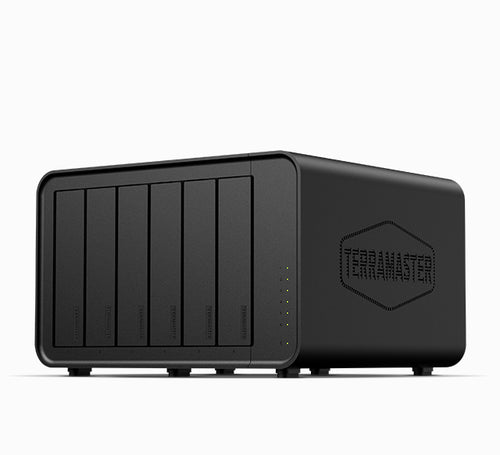
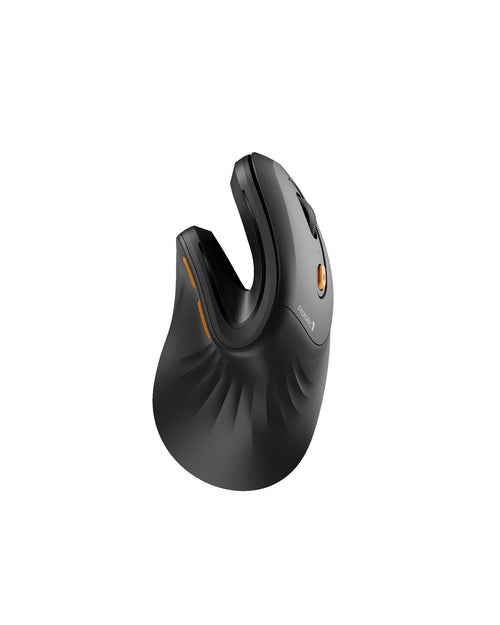
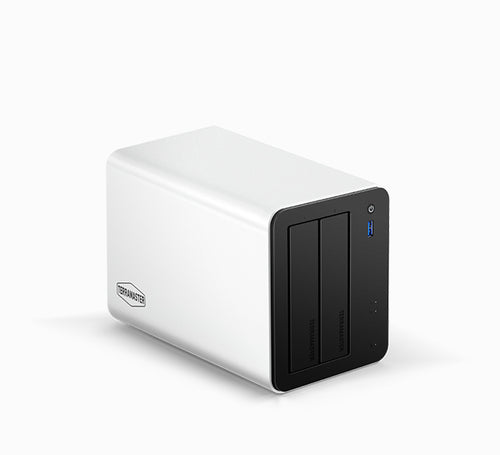
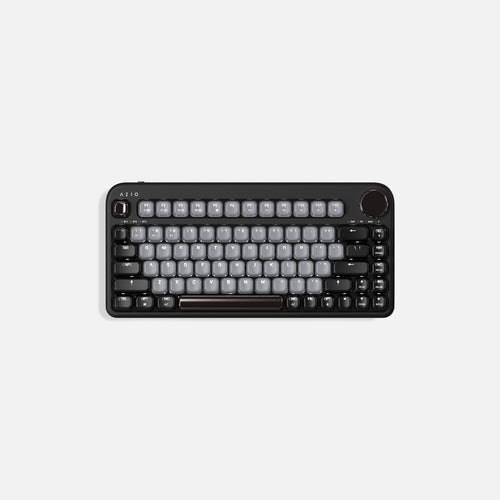
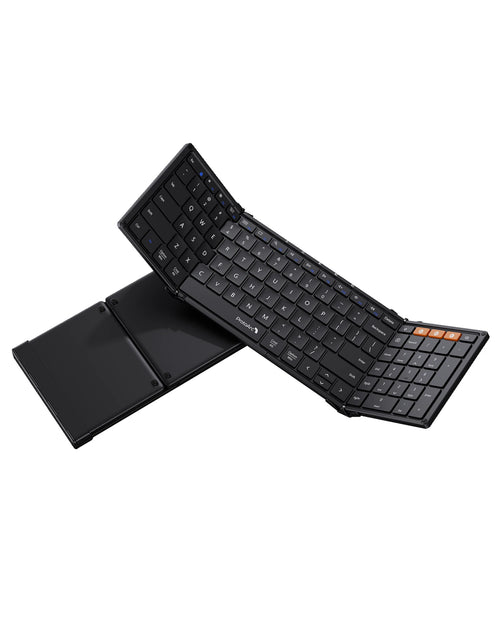
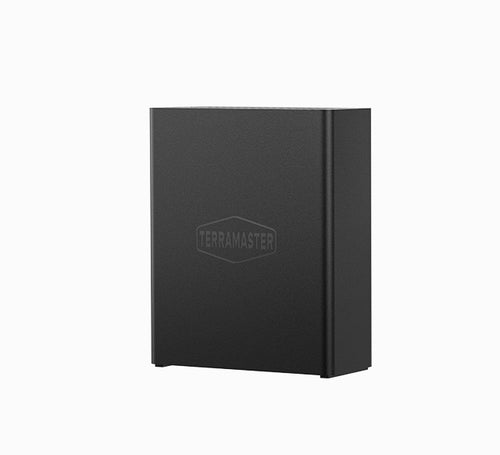
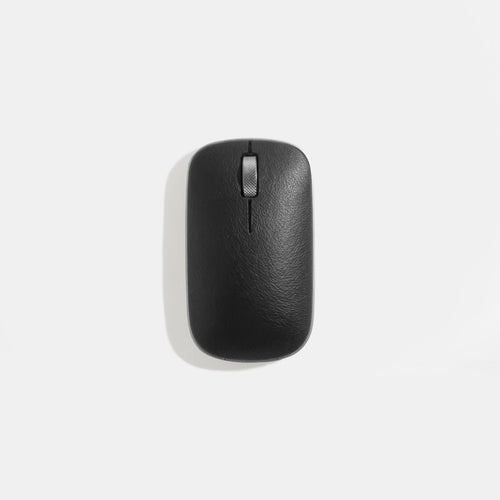
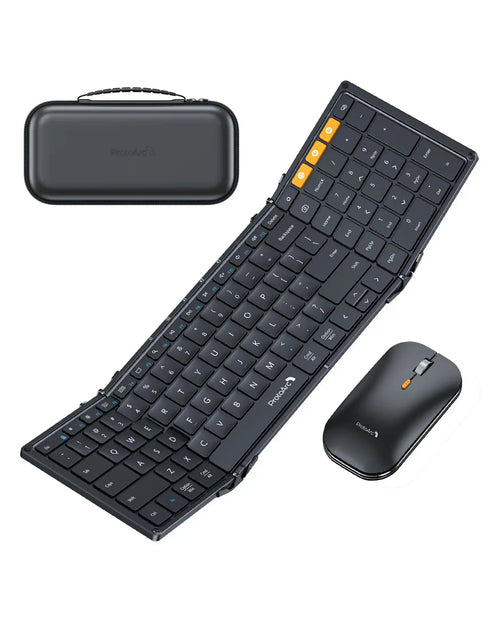
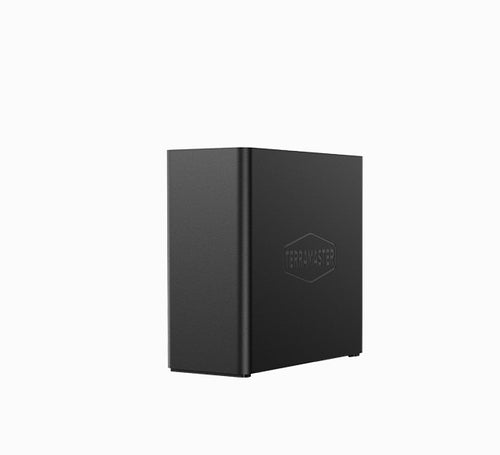
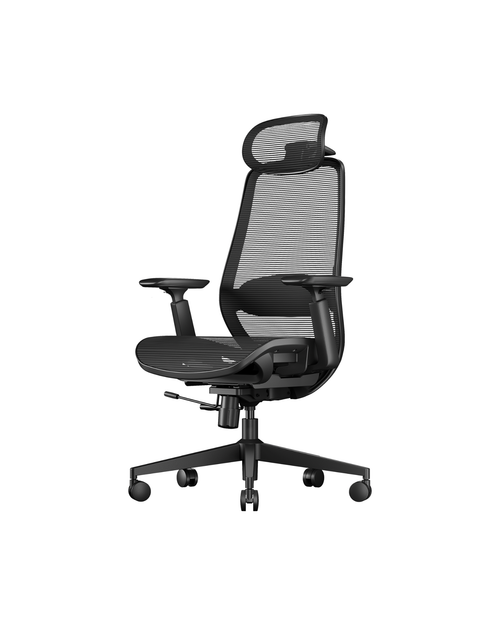
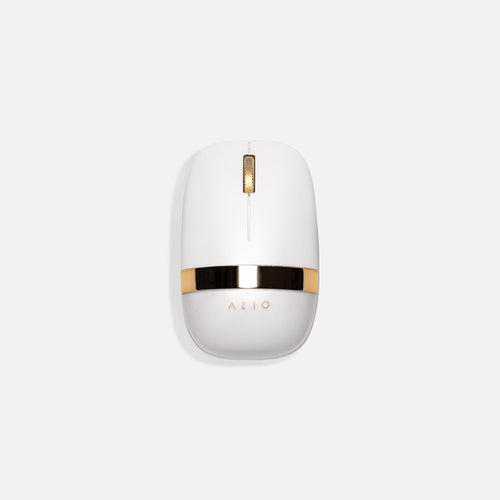
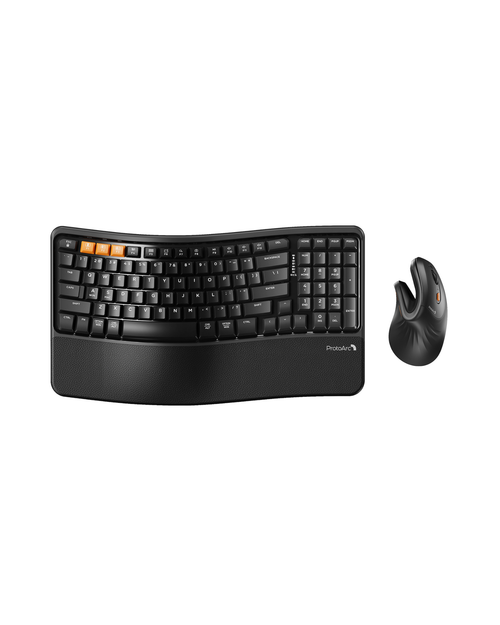
Computer Accessories & Storage deals
More deals →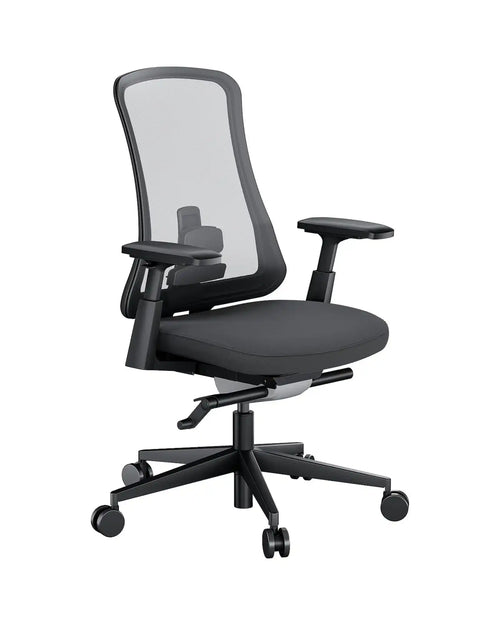
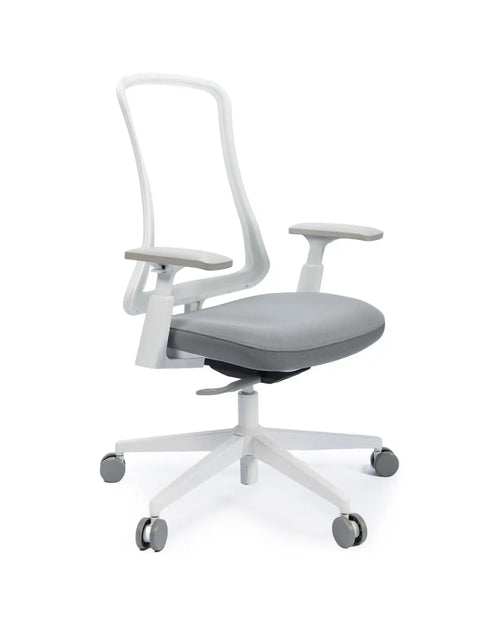
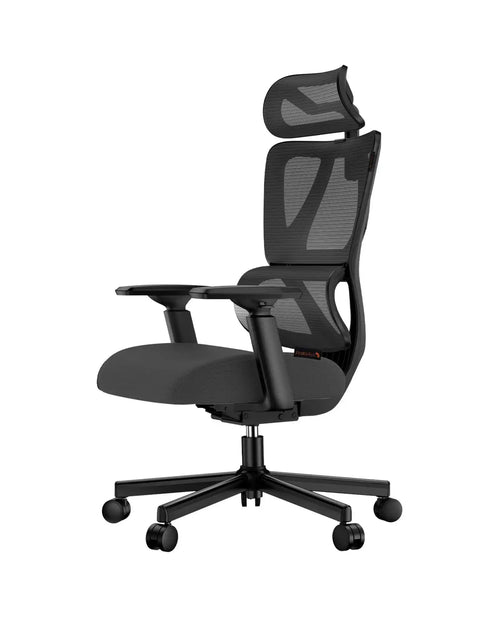
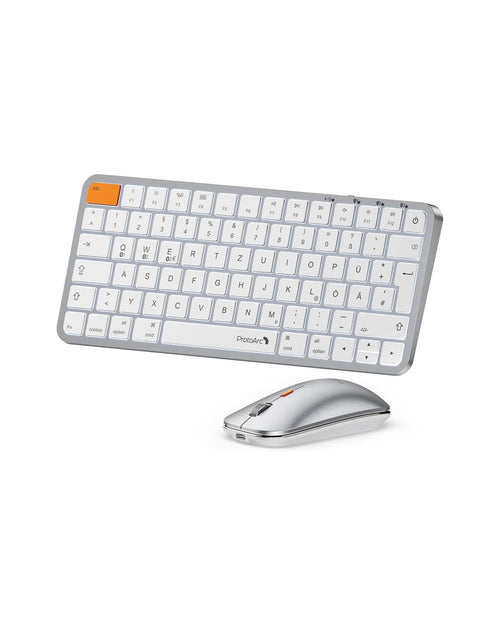
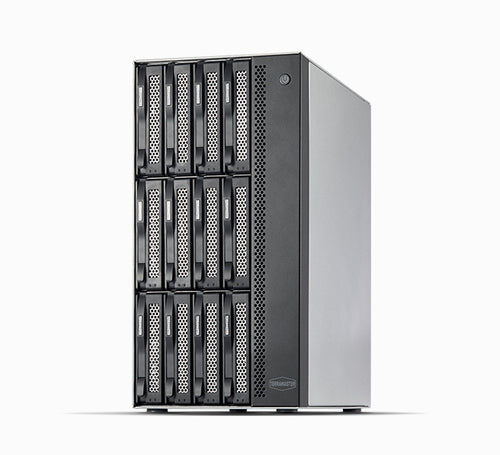
4 Computer Accessories & Storage brands to shop
 ★ Scouted pick
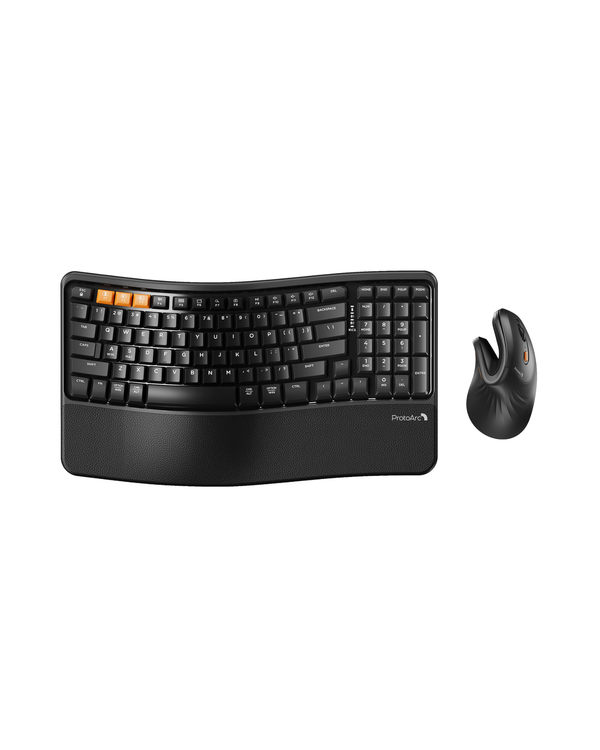
ProtoArc
Ergonomic keyboards, vertical and trackball mice, and mesh office chairs at modest prices
 ★ Scouted pick
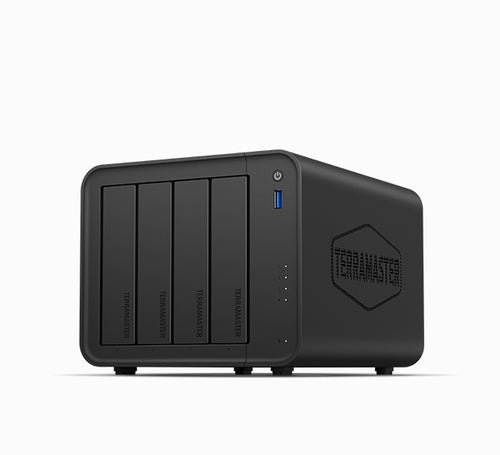
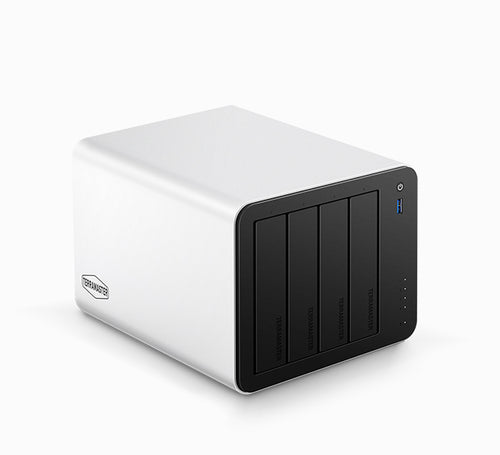
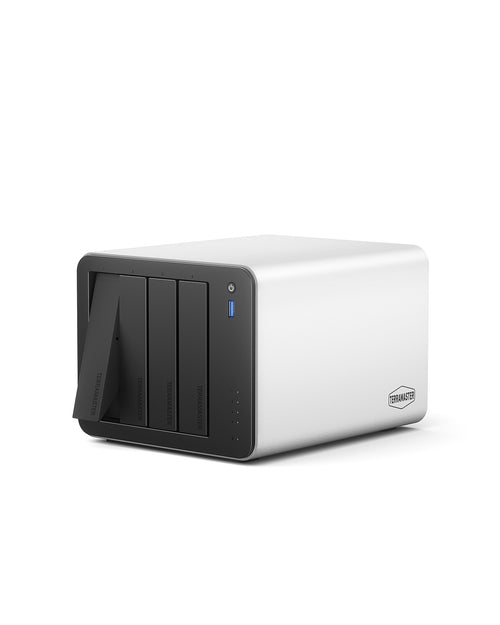
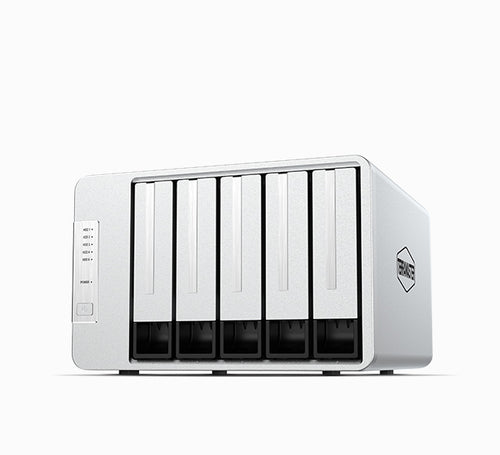
TerraMaster
NAS and DAS storage for homes, creators and small businesses at below-big-brand prices

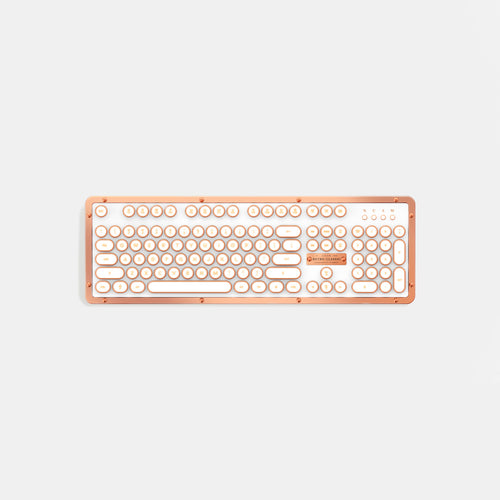
AZIO
Design-led keyboards and mice, from typewriter-style Retro Classics to hot-swap 75% boards

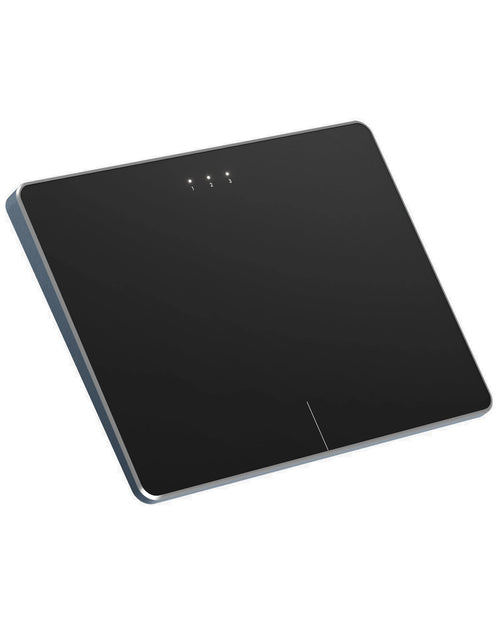
The Portable Monitor
Attachable Slide and Flex Pro screens that turn a laptop into a triple display
Computer Accessories & Storage buying guides
Best of
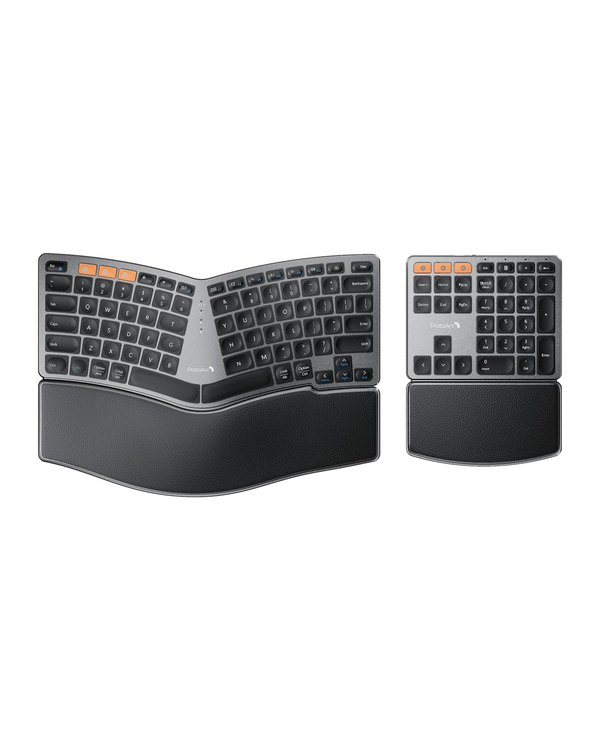
Best Computer Accessories Brands (2026): ProtoArc, TerraMaster, AZIO
Best computer accessories brands for 2026, ranked: ProtoArc ergonomic gear, TerraMaster NAS storage, AZIO keyboards,…
How to choose
How to Choose Computer Accessories: 7 Things That Matter (2026)
How to choose computer accessories and storage in 2026: ergonomic keyboards and mice, mechanical layouts, NAS vs DAS,…
Comparison
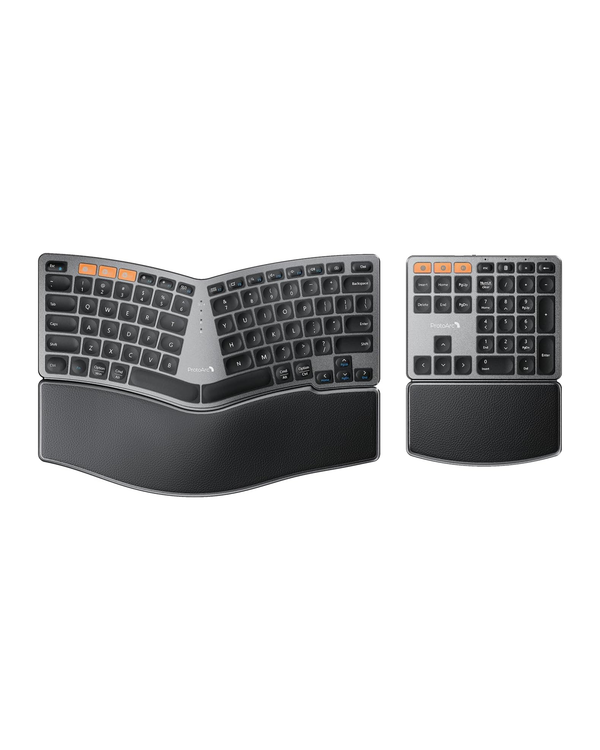
ProtoArc vs AZIO (2026): Which Keyboard Brand Should You Buy?
ProtoArc vs AZIO keyboards compared: ergonomic split boards vs hot-swap mechanical, prices, returns and warranty, and…
About computer accessories & storage brands
Desk gear fails buyers in quiet ways. A keyboard arrives in UK layout, a vertical mouse is sized for a bigger hand, or a NAS turns out not to support the drives you already own. Ergonomics also takes a week or two of adjustment, so return windows and restocking fees matter more here than in most tech categories.
The brands we cover split by what sits on (or under) the desk. ProtoArc sells ergonomic keyboards, vertical and trackball mice and mesh office chairs at modest prices, backed by a 2-year accessory warranty. TerraMaster makes NAS units and fast USB4 and Thunderbolt enclosures that give more hardware per dollar than the big storage brands. AZIO leans on design, from typewriter-style Retro Classic keyboards to a hot-swappable 75% barebone. The Portable Monitor sells screens that clip onto a laptop to make a three-display setup.
The details that sort them are layout, compatibility lists and how forgiving each store is when something does not suit you.
How to shop for computer accessories and storage online
Keyboards: layout first, switches second. Check three things on every listing: Mac or Windows legends and key mapping, ANSI (US) or ISO (UK and EU) layout, and the form factor (full-size, TKL, 75%, 65%). A 75% board drops the number pad but keeps function keys. For mechanical boards, "hot-swappable" means you can change switches without soldering, but confirm whether sockets accept 3-pin or 5-pin switches. Wireless boards should state Bluetooth device count and whether a 2.4GHz dongle is included.
Mice and ergonomics. Vertical mice put your forearm in a handshake position; trackballs eliminate arm movement. Both take time to adapt to, which is why a return window of at least 30 days matters. Check the hand-length sizing if the brand lists it, since a vertical mouse that is too small causes more strain, not less. Left-handed models are rarer and worth confirming before you commit.
NAS and enclosures. Read the compatibility list before buying drives: some NAS units are fussy about specific drive models and RAM modules. Look at the CPU (x86 handles media transcoding and containers better than ARM), network port speed (2.5GbE is now a sensible baseline, 10GbE for video editing), and the number of bays you will need in three years rather than today. RAID is not a backup; you still need a second copy elsewhere. Warranty terms are short in this tier, often 12 months in the US, and you usually pay to ship the unit in. Data loss is never covered.
Portable and attachable monitors. Confirm your laptop's screen size range, lid thickness and ports. A single USB-C cable carrying video and power requires DisplayPort Alt Mode on the laptop's port; otherwise you may need HDMI plus a separate power cable. Weight on the lid can tip lighter laptops.
Return traps. Restocking fees are the big one. AZIO, for example, can charge 25% on returns that are not resealable. Some stores refund original shipping on any return within 30 days; others only cover return labels for defects. If a store describes returns only for unopened items, assume you cannot try the product and send it back.
Budget tiers. $30 to $80 covers a good ergonomic mouse or a wireless keyboard. $80 to $150 buys a hot-swap mechanical board or an ergonomic combo. A 2- or 4-bay NAS starts around $200 to $500 before drives, which often cost more than the box.
Which brand fits which buyer
- Desk workers with wrist or forearm discomfort trying a vertical or trackball mouse: ProtoArc.
- Home office shoppers who want keyboard, mouse and chair from one brand under one warranty: ProtoArc.
- Families and small offices building a first NAS for photo backup and file sharing: TerraMaster.
- Video editors needing a fast Thunderbolt or USB4 enclosure: TerraMaster.
- Writers and desk-setup fans who want a keyboard that doubles as decor, or a first custom board: AZIO, keeping packaging resealable.
- Laptop-first hybrid workers who want three screens on the road: The Portable Monitor, confirming fit before ordering since only unopened returns are described.
Frequently asked questions
Are vertical mice actually better for wrist pain?
A vertical mouse reduces forearm twisting, which many people with wrist discomfort find helpful, but results vary and there is an adjustment period. Buy from a store with at least a 30-day return window so you can test it properly.
What is the difference between a NAS and an external hard drive?
An external drive connects to one computer, while a NAS sits on your network and serves files, backups and media to every device. NAS units cost more but can run RAID, remote access and automated backups.
Do I need a Mac-specific keyboard?
Not strictly, since most keyboards work with macOS, but Mac-layout boards put Command and Option in the expected places and label the media keys correctly. Check the listing, because some models are Mac-only or ship in UK layout.
How long is the warranty on a NAS?
It varies by brand and region. TerraMaster offers 12 months in the US and 24 months in the EU, with the buyer paying shipping for service and data loss excluded.
Can a portable monitor run off one USB-C cable?
Yes, if your laptop's USB-C port supports DisplayPort Alt Mode and enough power output. Without that, you will need an HDMI connection and a separate power source.